

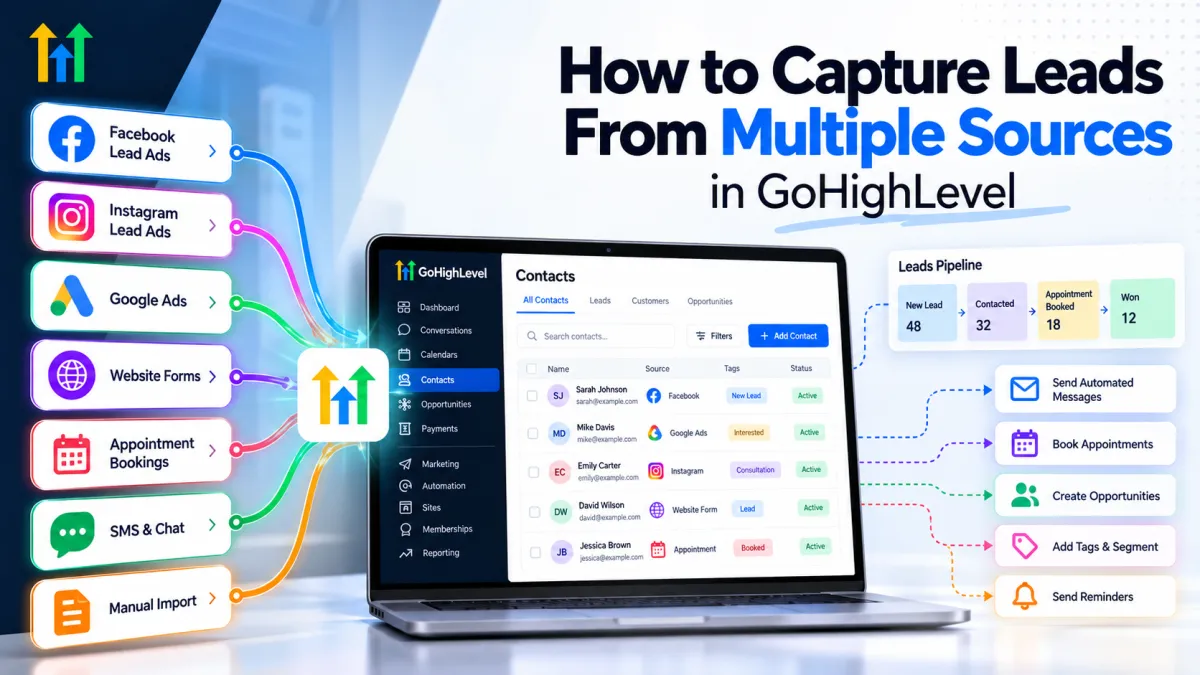
How to Capture Leads From Multiple Sources in GoHighLevel
 Wispcode Team
Published on: 07/10/2026
Learn how GoHighLevel can capture leads from Facebook, Instagram, Google Ads, website forms, appointments, SMS, and other sources while organizing follow-up in one CRM.
GoHighLevel lead captureCapture leads in GoHighLevelGoHighLevel lead managementGoHighLevel CRMGoHighLevel automationGoHighLevel workflowsMultiple lead sourcesLead capture automationGoHighLevel formsGoHighLevel Facebook leadsGoHighLevel funnelsGoHighLevel pipelineAutomated lead follow-upCRM lead managementGoHighLevel appointment bookingGoHighLevel lead source tracking
